
Edit your profile
How to edit the personal details in your profile in the Parqio app.
Last updated 22 October 2026 · Checked for app 4.0.3
Open Personal details
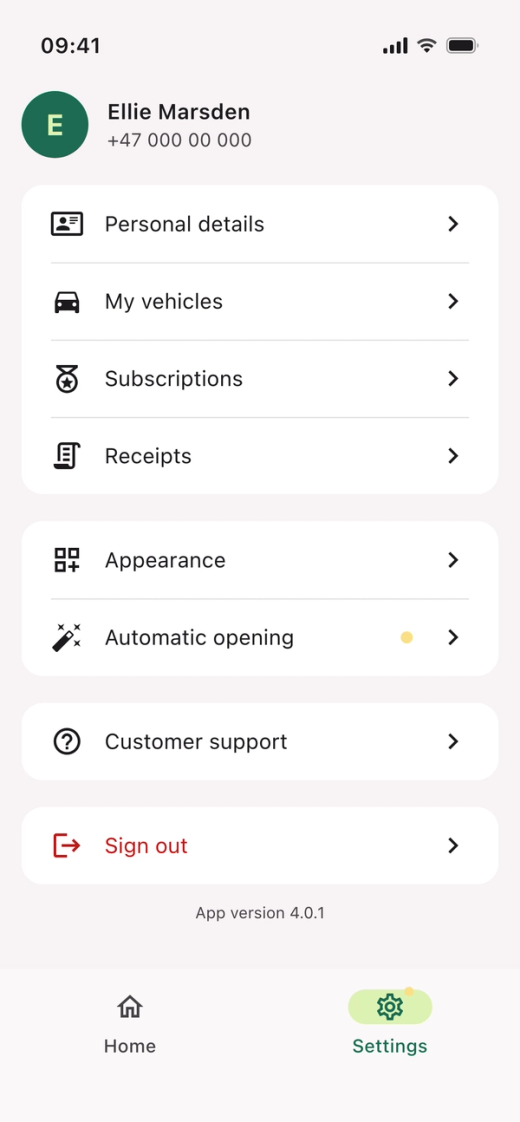
- Open the Parqio app.
- Tap “Settings” at the bottom right.
- Tap “Personal details”.
Edit your personal details
- Edit your name or email address.
- Tap “Save”.
How do I edit my phone number?
You can’t edit your phone number in the app. Contact us, and we’ll update your account with the new number.
Did you find what you were looking for?
Didn’t find what you were looking for?Contact customer support