
How do I connect an extra gate or door to a Parqiobox?
How to connect an extra gate or door to a Parqiobox that already controls one gate or door.
Last updated 26 October 2026
The Parqiobox can control up to two gates or doors with an electric strike.
Wire the new gate or door to output (G)
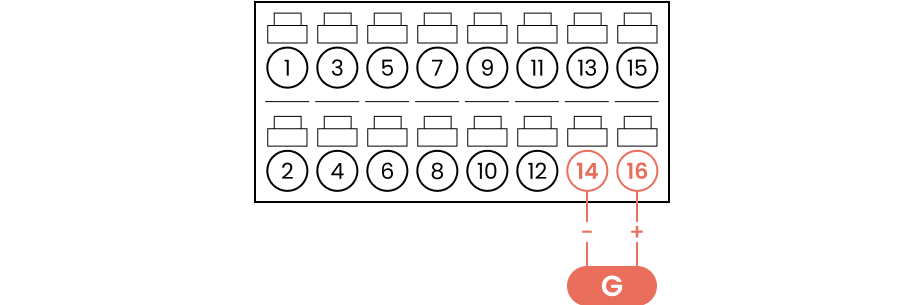
Output (G) sends the opening signal to the gate controller or the door, so it can be opened via Parqio (pin 14 and pin 16).
Important
Use stranded wire, not solid core.
Test the connection
Connect to the Wi-Fi network “parqio-xxxxxxxxxxxxxxx” (the serial number of the device) and go to 192.168.4.1 in your browser to test that the door opens as it should.
Then go to “Relay test” and tap “Relay 2” to open the door with Parqio.
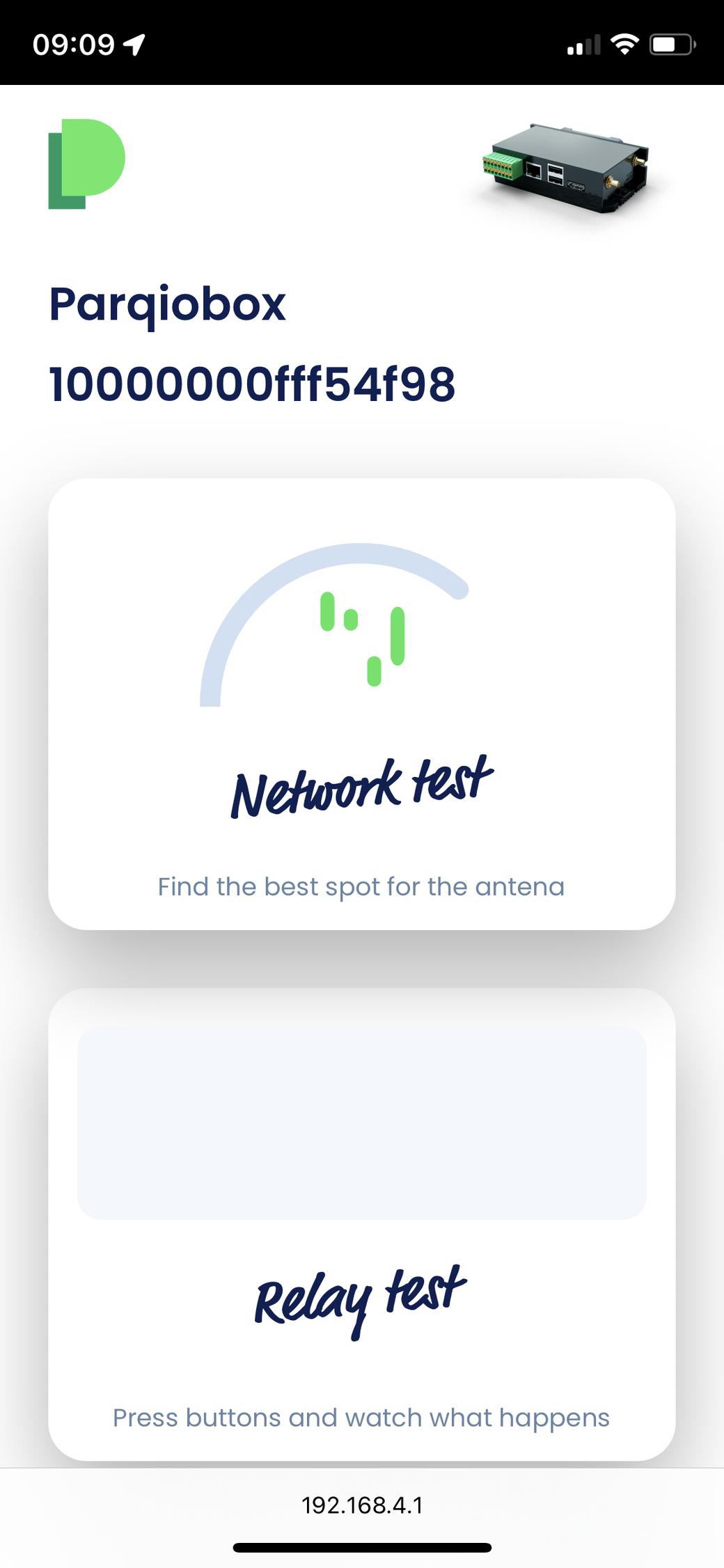
Not seeing “Relay test”? Contact customer support.
Did you find what you were looking for?
Didn’t find what you were looking for?Contact customer support