
Rename a parking space
How to rename a parking space in Parqio Admin.
Last updated 26 October 2026 · Checked for app 4.0.3
Before you begin
- You must have been added as an administrator and be logged in to Parqio Admin.
Find the space you want to rename

- Click “Spaces” in the menu (on a phone, open the menu with the (☰) button at the top right).
- Click the space, or search for it in the search field.
- Click “Edit”.
Edit the name
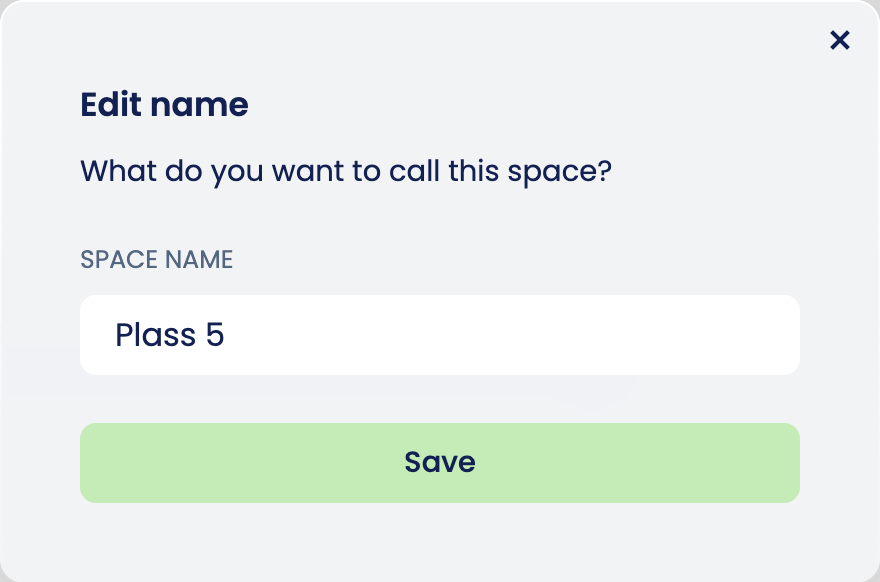
- Give the space a new name.
- Click “Save”.
Two spaces in the same garage can’t have the same name. You must give the space a unique name to save it.
Did you find what you were looking for?
Didn’t find what you were looking for?Contact customer support