
Remove a user’s access
How to remove a user’s access to the garage in Parqio Admin.
Last updated 23 October 2026 · Checked for app 4.0.3
Before you begin
- You must have been added as an administrator and be logged in to Parqio Admin.
Find the user whose access you want to remove

- Click “Users” in the menu (on a phone, open the menu with the (☰) button at the top right).
- Click the user, or search for them in the search field. You can always find users by searching for their phone number.
- Under “Spaces”, click the space you want to remove their access to.
Remove their access
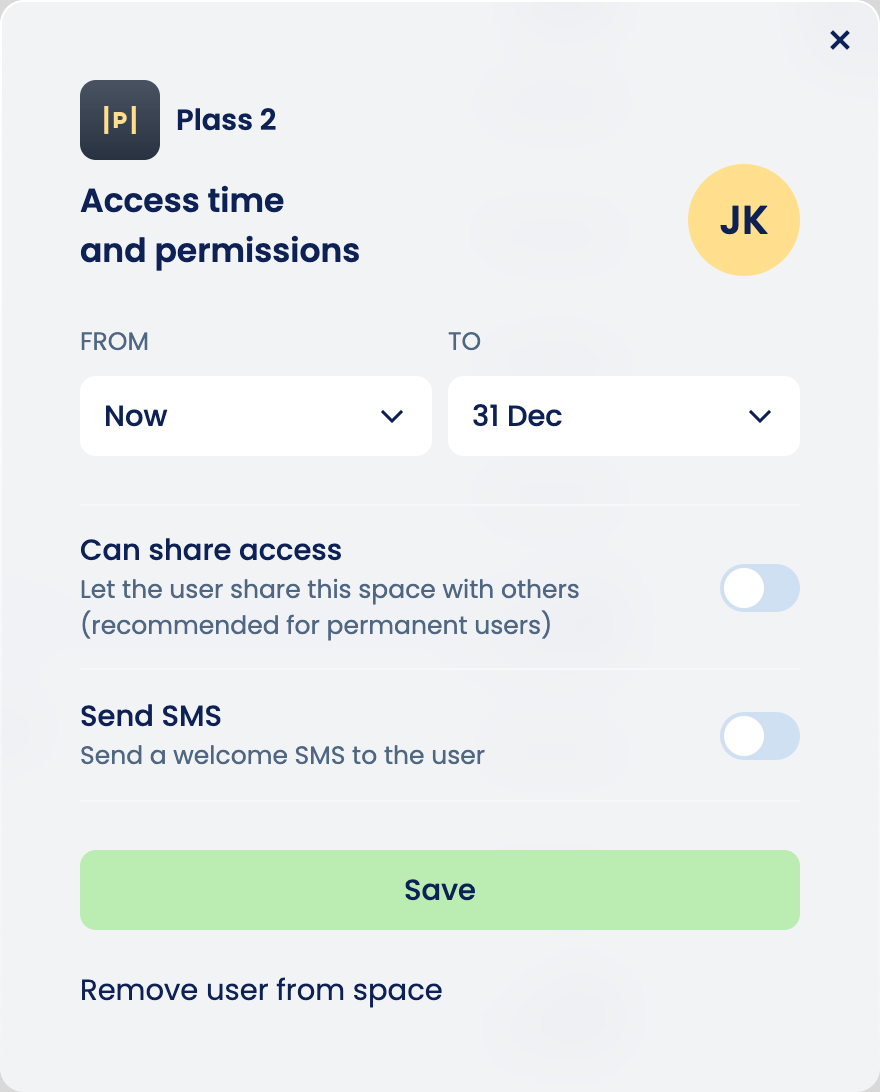
Click “Remove user from space”.
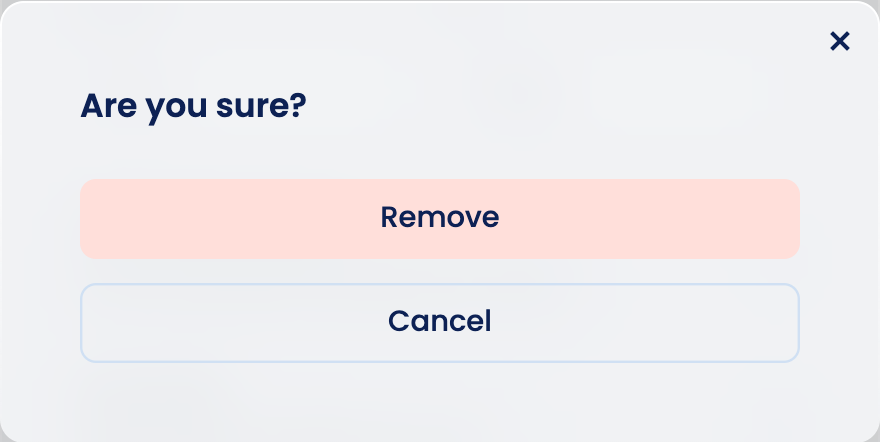
Click “Remove” to confirm.
If this was the only space the user had access to, they no longer have access to the garage.
Tip
You can also remove a user’s access directly from a space. Open the space, click the user, and follow the same steps as above.
Did you find what you were looking for?
Didn’t find what you were looking for?Contact customer support